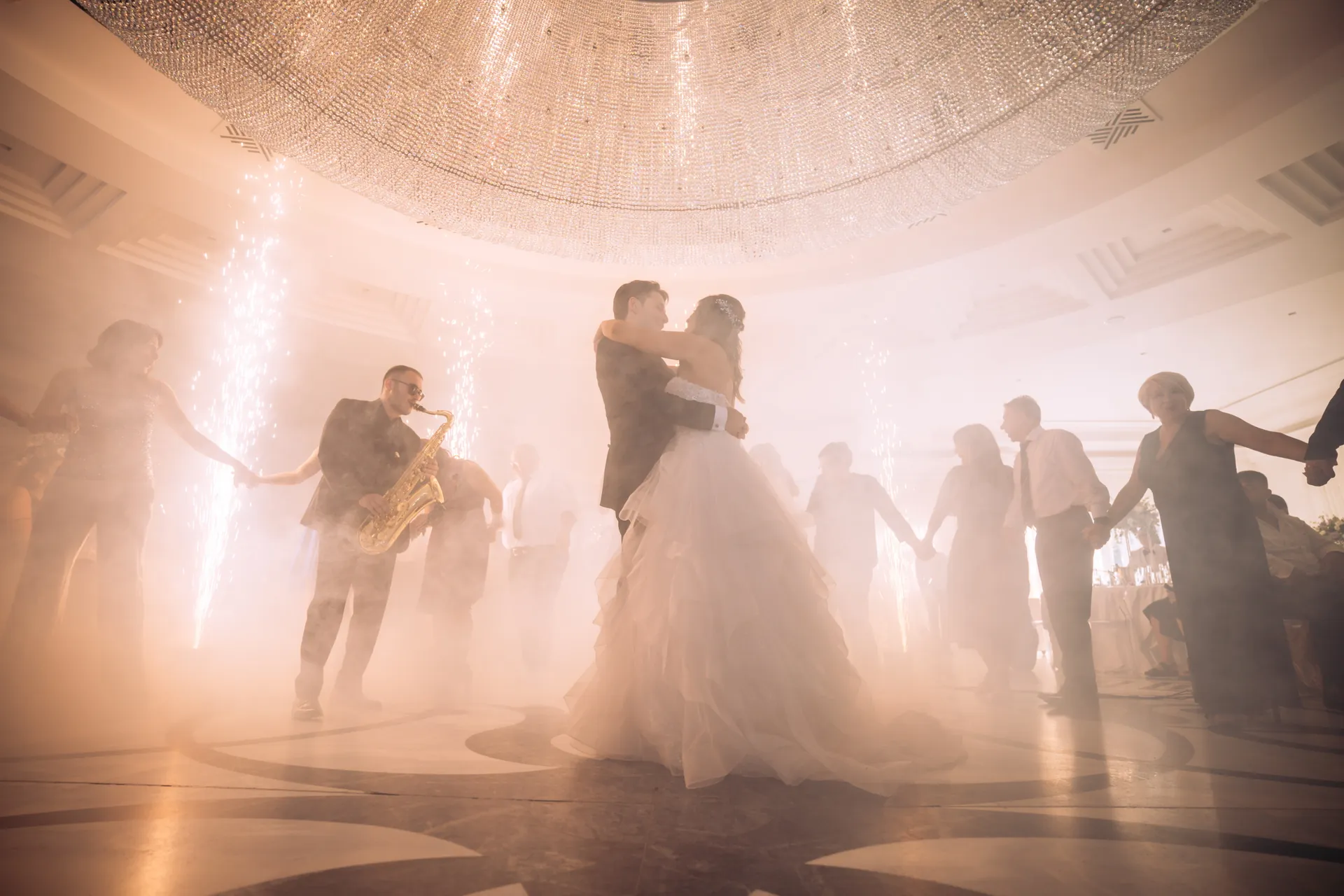
Photo challenges for weddings
Every guest
becomes your photographer.
Guests scan a QR code at their table, complete photo challenges from their phone and fill one shared live gallery. No app, no account, no chasing photos after the party.
- No app to install
- Live gallery and votes
- Deleted 7 days after the event
How it works
Three steps from QR code to shared album
Scan the table QR
Print the QR codes from your dashboard and put one on every table. Guests scan it, type a name, pick an avatar and they are in.
Complete photo challenges
“The first dance”, “the best-dressed table”, “a toast with someone you just met”. Guests shoot each one straight from their phone browser.
Watch the gallery fill up
Every photo lands in a shared live gallery. Guests vote for their favourites and climb the leaderboard as the night goes on.
For organizers
Everything runs from one dashboard
Set up a wedding in minutes, then let the guests do the work.
Challenge templates
Start from the built-in global challenges or build your own library and reuse it at every wedding.
Live leaderboard and stats
See who has joined, how many photos came in and who leads the ranking while the party is still on.
Gallery moderation
Browse every photo by challenge and delete anything that does not belong, in one click.
ZIP export for guests
Guests request a ZIP of every wedding photo straight from their phone. No e-mail chains, no shared drives.
For guests
Ten seconds to join. Zero friction.
No account, no app
Everything runs in the phone browser. Nothing to install, nothing to sign up for.
A name and an avatar
Guests pick a display name and an avatar and start shooting. Joining takes about ten seconds.
Vote for your friends
Every guest votes for the photos they love. VIP guests get their own QR code and their votes count double.
The gallery
What a MomentSeek gallery looks like
Candid, a little chaotic and entirely shot by the people who were there.
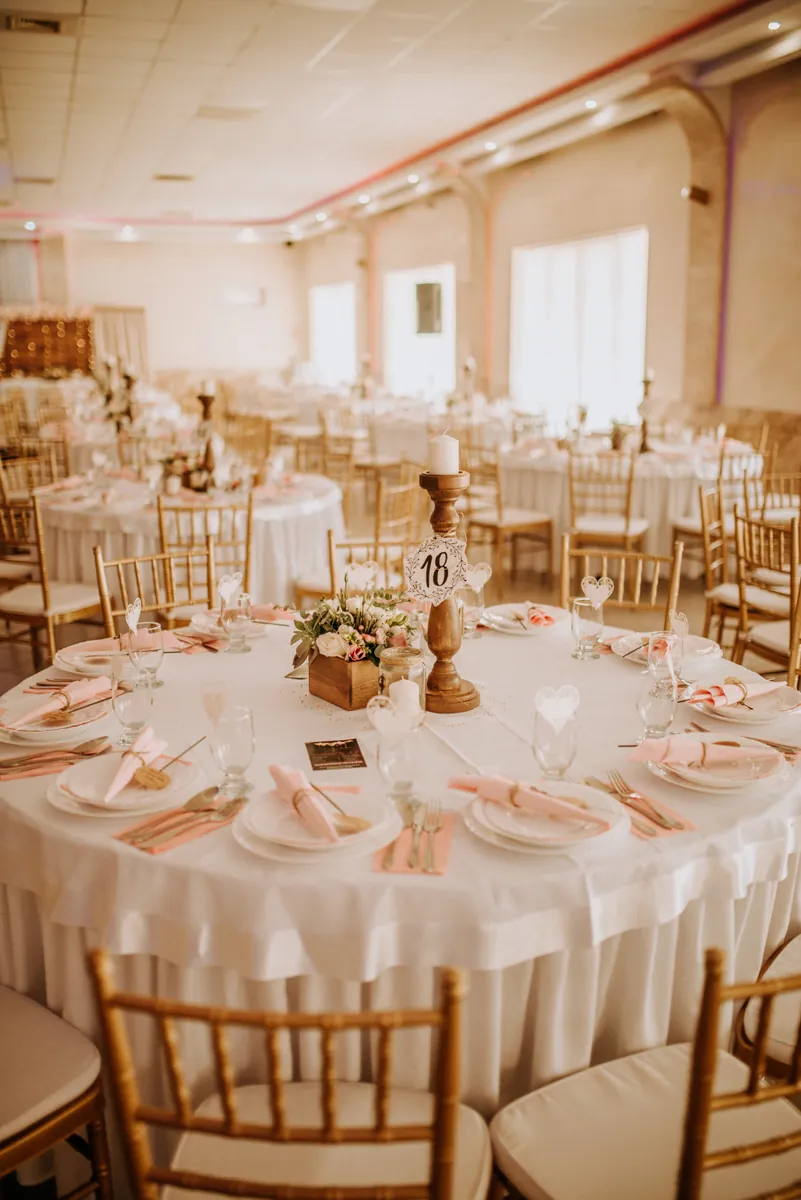
Challenge Your table, before dinner
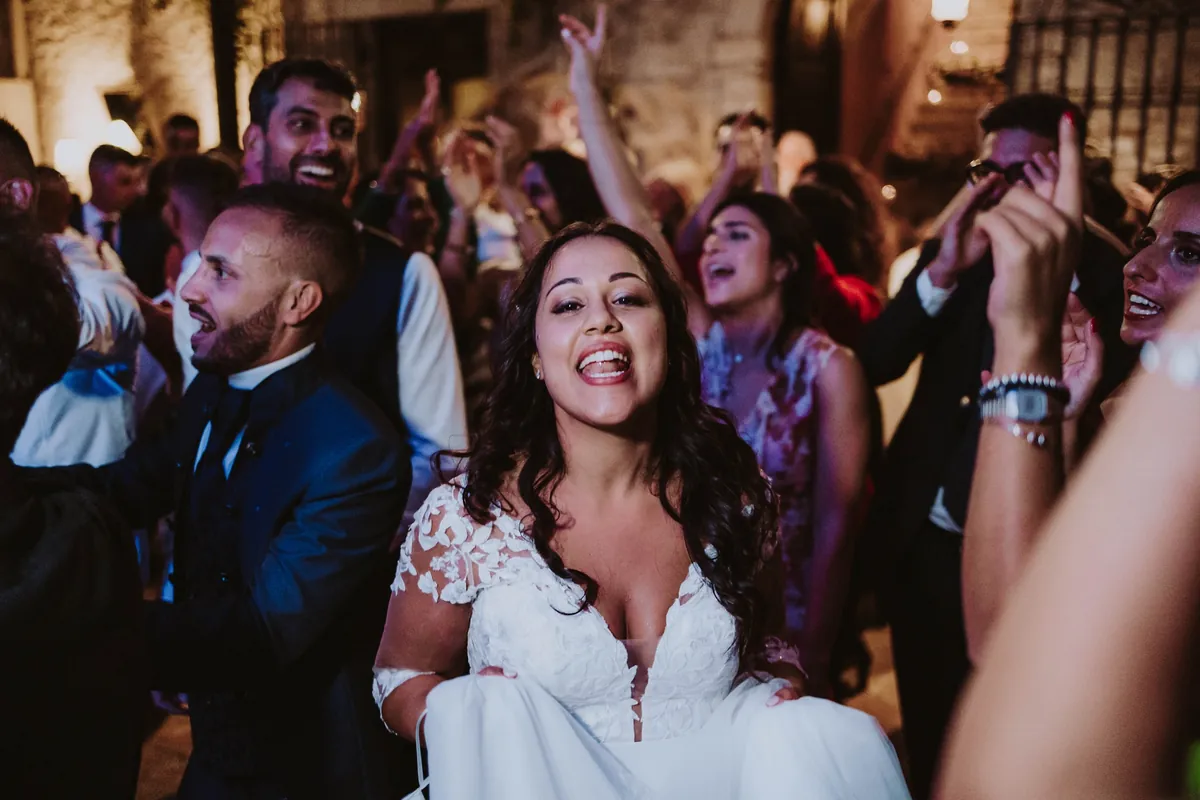
Challenge Dance like nobody is filming

Challenge The cake, untouched

Challenge The rings
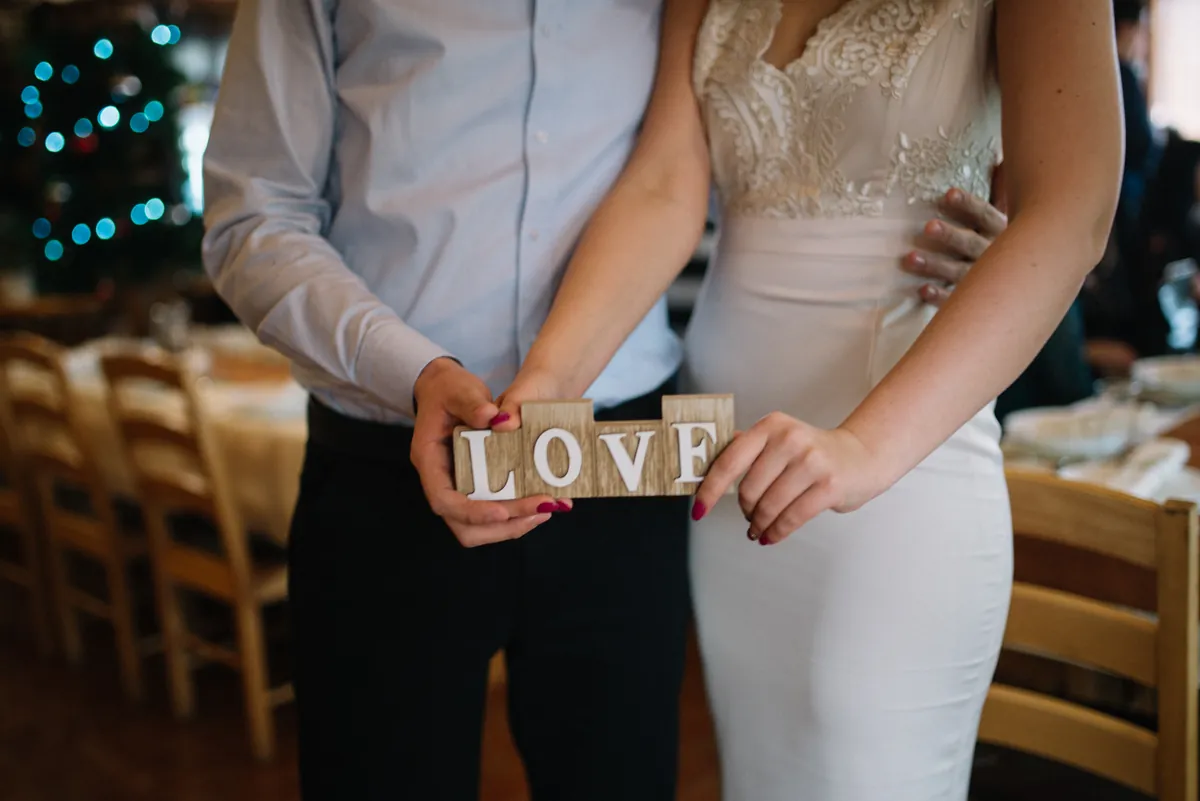
Challenge Say it with a sign
FAQ
Questions couples ask us
What happens to the photos after the wedding?
Photos and guest data are automatically deleted 7 days after the event. Guests can delete their own photos at any time, and the organizer can delete any photo from the dashboard.
Who can see the photos?
Only the guests of that wedding and the organizer. Every wedding has its own private link; there is no public feed.
Do guests need an account?
No. Guests scan the QR code, enter a name and pick an avatar. No e-mail, no password, no app store.
Does it work on every phone?
Yes. MomentSeek runs in any modern phone browser, on iPhone and Android alike.
Can a guest upload several photos for the same challenge?
Each guest submits one photo per challenge, which keeps the gallery focused and the ranking fair.
Ready to hand your guests the camera?
Create your wedding, print the QR codes and let the gallery fill itself.
Start your wedding